Anonymous Demo & Training Mode
SierraBooks Invoices features a completely isolated Anonymous / Training Sandbox. This environment is fully pre-populated with realistic, professional sample data—including fictive customer portfolios, product inventories, and pre-generated invoice histories.
This sandbox is designed to let prospective users, QA testers, or developers experience the full scope of SierraBooks’ high-performance billing system with zero friction. No signup, no email registration, and no payment credentials are required.
Any modifications, billing entries, or signatures you create in this mode are fully interactive and secure.
—
📋 Launching the Sandbox
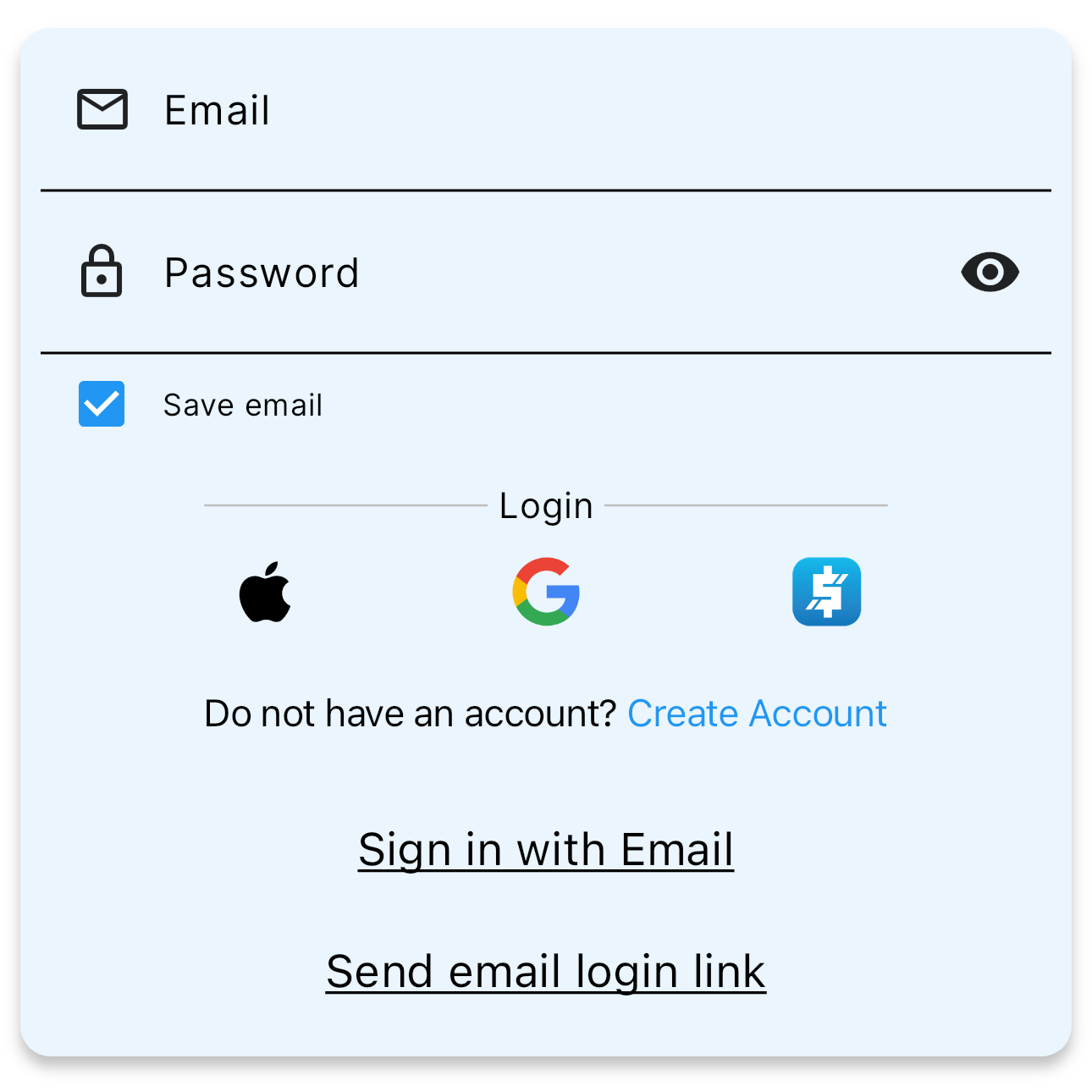
To enter the training environment instantly: 1. Open the application. 2. On the login screen, click Sign In Anonymous / Demo Mode.
Launch training mode instantly with a single tap of the Anonymous login trigger.
—
💼 Exploring Core Interactive Workflows
Once loaded into the Main Page, you can navigate, modify, and save any transaction or record:
-
Customers Registry
Explore the pre-loaded customer lists. Tap any customer, and click the pencil icon to modify contact info or generate estimates. If any fields are altered, SierraBooks’ state manager will automatically ask to save your changes safely.
🎬 Interactive Walkthrough: Customer EditingWatch this quick demonstration of our offline-first customer layout and automatic local cache syncing:
-
Vendors Registry
Explore corporate supplier records, edit attributes, or review logistics preferences.
🎬 Interactive Walkthrough: Vendor ManagementSee how vendor records are updated and maintained inside our clean responsive screens:
—
💾 State Management & Cache Syncing
When navigating back from editing views, SierraBooks protects your active work from accidental data loss:
Tap Back to return and continue refining your edits.
Tap Cancel to immediately discard any local session changes.
Tap OK to permanently save modifications to your local offline cache database.
In production environments, any modifications you save instantly and safely synchronize across all authorized team devices, keeping your field staff and office coordinators synchronized in real time!